
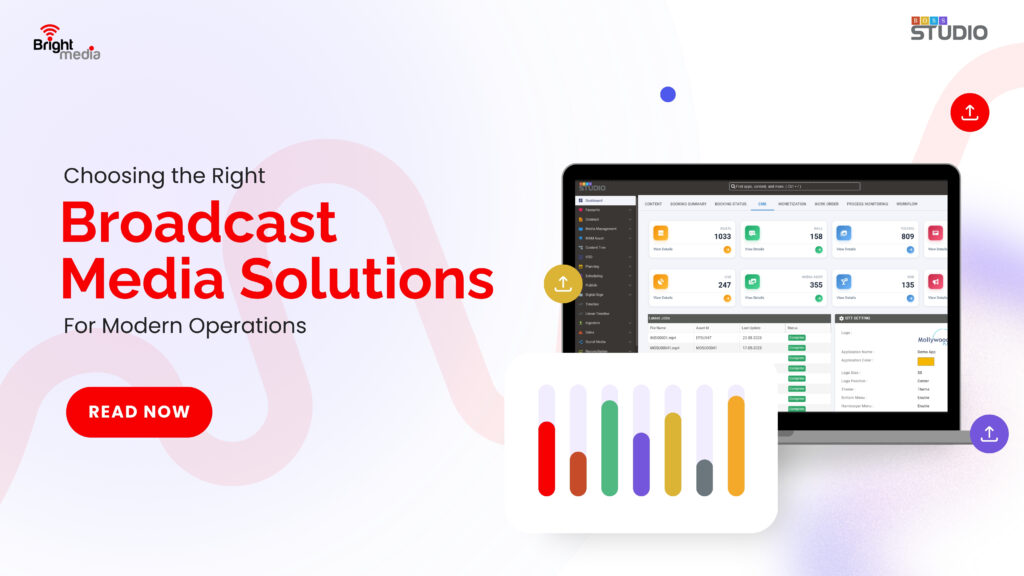
Choosing the Right Broadcast Media Solutions for Modern Operations
When you’re picking Broadcast Media Solutions, you want something that pulls everything together—scheduling, content, automation, monitoring, and delivery—across TV, OTT, radio, or FAST platforms. The real goal is a scalable setup where there’s less manual work, and everything stays under control.
Also Read: Building a Scalable Streaming Platform: The Role of OTT Software
What Are Broadcast Media Solutions?
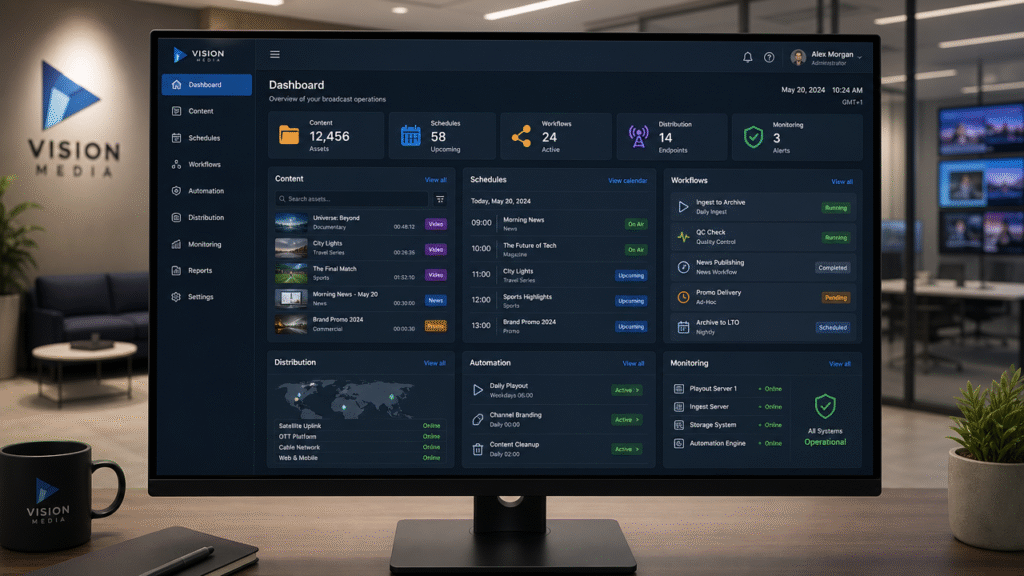
In plain terms, Broadcast Media Solutions is a Broadcast Traffic Software that helps you manage content, schedules, workflows, distribution, automation, and monitoring, all in sync. You get smooth delivery across TV, OTT, digital platforms, and FAST channels, plus better control as things grows more complex.
What Matters Most?
- Bring content and workflows into one place.
- Make sure the system can handle TV, OTT, digital, and FAST—now and as you grow.
- Go for platforms that play nicely with other tools, not just isolated features.
- Automate boring, repetitive scheduling and delivery jobs.
- Keep everything secure with workflows you can track and audit.
Also Read: The Ultimate Guide to Streamlining Broadcast Traffic and Scheduling
Why Go Beyond a One-Task Tool?
Modern media operations need more than software that does just one thing. Top broadcast media management tools tie together content workflow management, scheduling, traffic, automation, control, and delivery—all in one.
How Do You Pick the Right Broadcast Media Solutions?
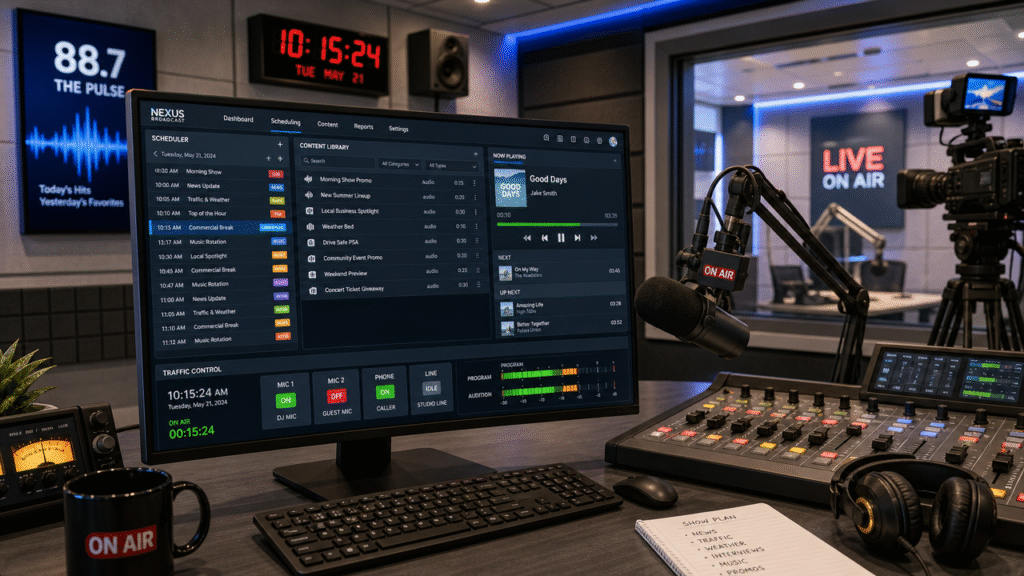
Forget checklists. Start by asking: does it fit your actual workflow? Will it connect your current systems, cut out tedious handoffs, and handle more channels and content as you grow?
Look for these:
- Centralized CMS you can actually see into
- Automation for all the best workflow bits
- Scheduling and traffic tools that keep up
- Delivery to every platform you care about
- Remote monitoring and management options
- Open integrations with the other tech you use
- Solid, auditable security all the way
Also Read: Top Features to Look for in a Broadcast Scheduling System
Essential Features to Look for in Broadcast Media Solutions
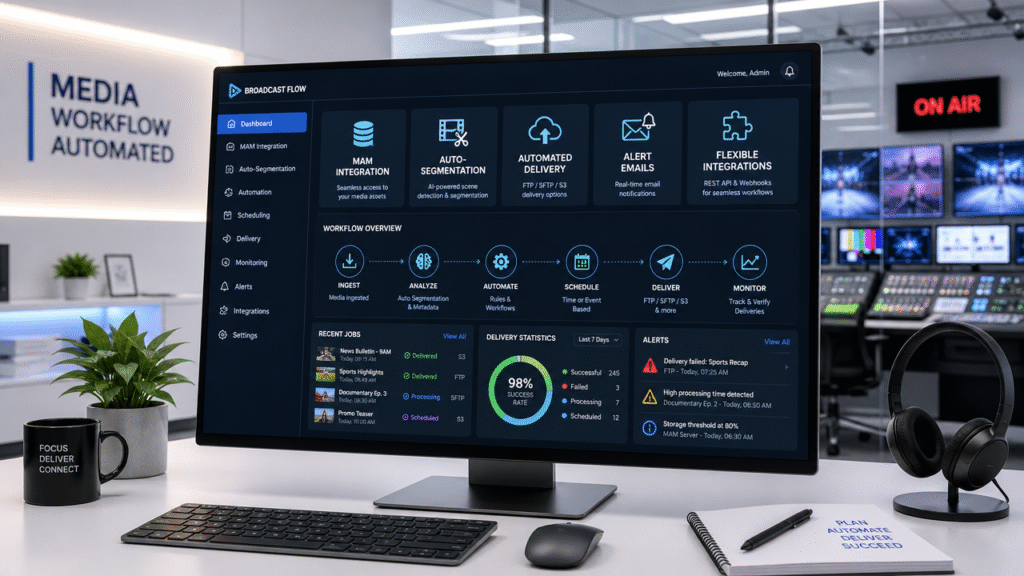
The right solution like BOSS Studio covers your entire operation, not just one narrow job. Think central content management, automation, scheduling, delivery, and monitoring, plus integrations that make life easier.
For fast-growing teams, look for MAM integration, auto-segmentation, automated delivery (FTP/SFTP/S3), alert emails, and flexible integrations. The more grunt works the system handles, the more your team can focus on what actually matters.
Why Scalability Is Critical
Content doesn’t stay in one place—it’s on linear TV, OTT, digital platforms, and popping up on new FAST channels all the time. A scalable system like BOSS Studio lets you add channels and grow workflows without ending up tangled in separate, disconnected setups for each new outlet.
Also Read: Broadcast Software Explained – From Contract to Billing
How Do Broadcast Media Solutions Make Life Easier for Broadcasters?
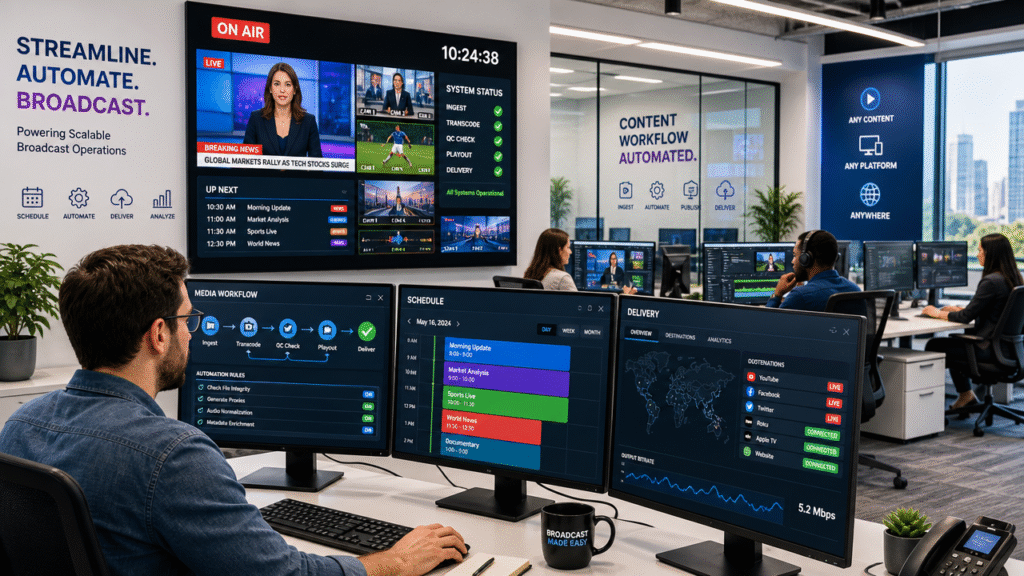
It’s all about orchestration. Instead of bouncing between separate systems for scheduling, content, traffic, and delivery, you get workflows that just flow. Planning a new FAST channel? You organize assets in one spot, build schedules, automate the repeat stuff, deliver everything automatically, and then check in from anywhere with remote monitoring. No more juggling.
How BOSS Studio Fits In
BOSS Studio is a workflow and media management platform built for modern TV, OTT, and radio teams. You get automation, scheduling, traffic, a central CMS, multi-platform delivery, FAST channel support, remote monitoring, MAM integration, and automated media delivery—all under one roof.
It’s built with open architecture, cloud-friendly, and totally scalable. Secure workflows and easy customization help you tie together new broadcast tech as it arrives. You won’t have to rebuild everything from scratch for every new channel or workflow.
Also Read: CMS Software for Media Companies: Complete Buyer’s Guide
Conclusion
At the end of the day, the right Broadcast Media Solution grows with you, connects your tools, automates busywork, and supports however you want to deliver content. BOSS Studio bundles all of this into one powerful platform for modern media teams.
FAQ’s
1. What are Broadcast Media Solutions?
They help you manage everything—content, scheduling, automation, monitoring, workflows, and distribution—across both broadcast and digital setups.
2. How do I pick the right one?
Focus on how well it fits your workflow. Make sure it’s scalable, integrates well, automates real tasks, stays secure, and supports TV, OTT, digital, and FAST.
3. What features matter most?
Look for strong content management, smart scheduling, easy traffic tools, automation, clear monitoring, good integrations, and the ability to deliver everywhere.
4. Why does scalability matter here?
Scalable solutions like BOSS Studio lets you add more channels, content, or platforms without getting buried in manual work and broken processes.
5. Can these solutions handle TV and OTT?
Absolutely—modern options like BOSS Studio are built for multi-platform delivery, so you can keep TV, OTT, digital media, and FAST running smoothly in one place.
6. How does automation help broadcast operations?
It wipes out repetitive tasks, keeps things consistent, and lets your team stay focused on bigger projects and improved delivery.
7. Why BOSS Studio?
BOSS Studio brings together automation, scheduling, CMS, traffic, monitoring, integrations, and platform delivery for a unified media management experience.