
Is Your Live TV Software Ready for Multi-Screen Delivery?
Live TV Software is no longer designed to be limited to one screen. What once followed a linear path from studio to television, must now deliver on smart TVs, mobile apps, web players, tablets and emerging digital platforms simultaneously. While moving from device to device, the software running live broadcasting should maintain synchronization, stability and be prepared for delivery on multiple screens.
Also Read: From Chaos to Control: The Power of Traffic Scheduling System in Broadcasting
Multi-Screen Is Not Just About Distribution
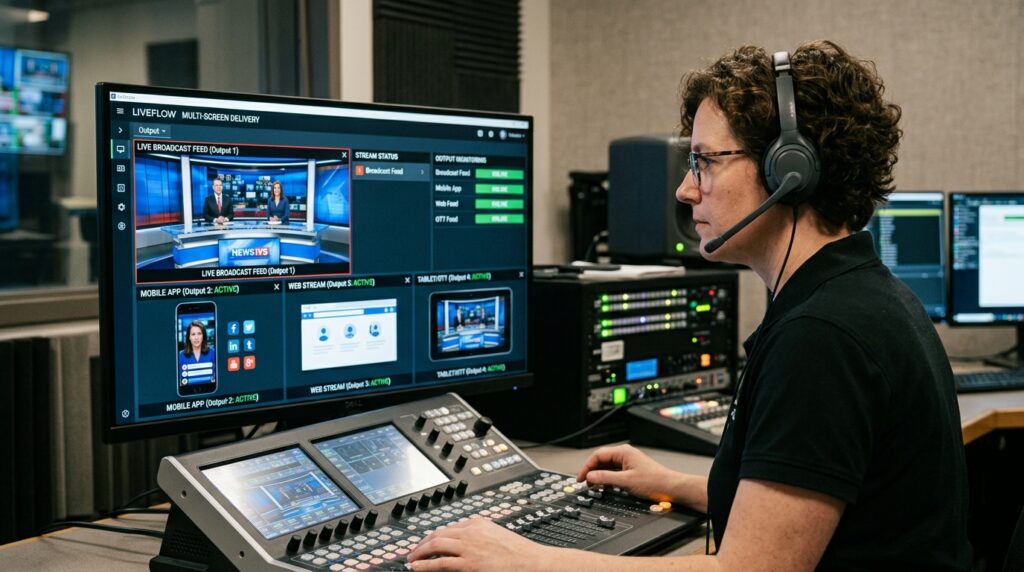
At first glance, multi-screen delivery sounds like a technical problem. Encode once. Deliver everywhere. Simple enough.
In practice, it’s rarely that straightforward.
Different devices behave differently. Bitrates shift. Latency expectations vary. User interfaces require different metadata. Regional rights rules might apply in unexpected ways. Suddenly, the system needs to coordinate far more variables than before.
Modern Tv Broadcasting Software is built with these realities in mind. It assumes content will move across environments. Legacy setups, on the other hand, sometimes treat multi-screen as an extension rather than a core function.
That distinction matters more over time.
Synchronization Becomes the Quiet Challenge in Live TV Software
One thing that tends to surprise teams is how difficult synchronization can be.
Viewers expect consistency. They don’t think about delivery pipelines. They just notice when streams lag or when content availability differs between devices.
When synchronization falters, trust erodes quietly.
Software Broadcast Environments Must Handle Change Gracefully
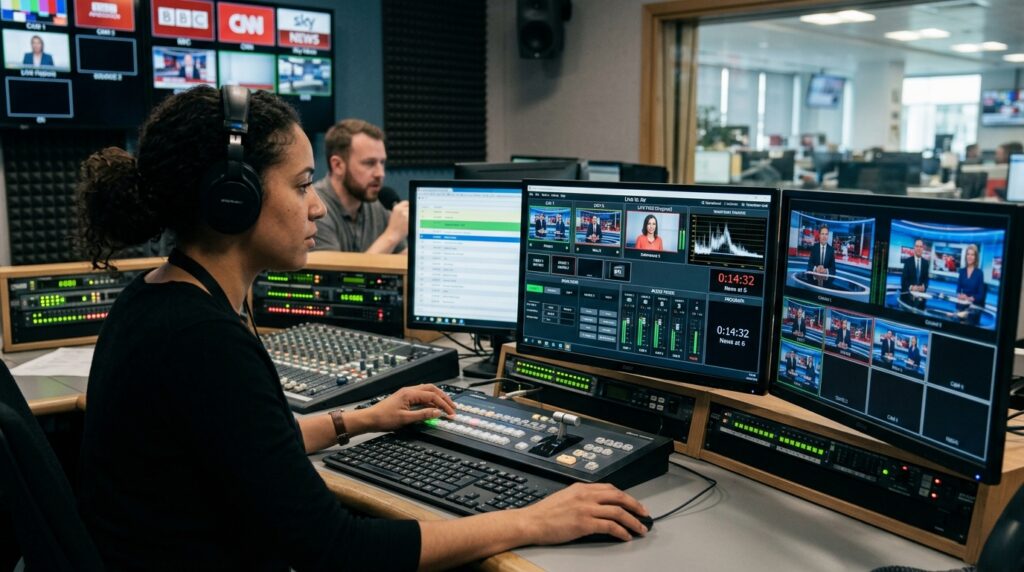
Live events rarely unfold exactly as planned. Segments run long. Breaking news interrupts schedules. Ad breaks shift.
In a multi-screen world, those changes ripple outward instantly.
Modern Software Broadcast platforms like BOSS Studio are designed to handle adjustments without disrupting delivery. They propagate updates across endpoints quickly. Teams can respond without scrambling.
Older systems often manage change, but sometimes with more manual effort than teams realize until pressure builds.
Monitoring Across Screens Changes Expectations in Live TV Software
When broadcasts lived on a single channel, monitoring was relatively straightforward. One feed to watch. One set of metrics.
Multi-screen delivery multiplies visibility requirements.
Is the mobile stream stable?
Is the web player reflecting schedule updates?
Are regional feeds behaving correctly?
Modern Live TV Broadcasting Software tends to include unified monitoring views that make these questions easier to answer. Visibility isn’t just a convenience. It’s reassurance.
Without it, teams rely on assumptions, and assumptions rarely hold under pressure.
Also Read: OTT Software vs. Traditional Broadcasting: The Future of Entertainment
Conclusion
Multi-screen delivery isn’t just a technical upgrade. It’s a different operational reality. One where consistency, flexibility, and visibility matter as much as signal quality.
Live TV Software help broadcasters manage live content across devices without adding unnecessary complexity.
This is where BOSS Studio plays an important role. BOSS Studio provides a modern broadcast automation platform designed to support multi-screen workflows, real-time scheduling, and unified monitoring. It helps broadcasters adapt to evolving delivery demands while maintaining operational clarity.
Also Read: How Cloud Broadcasting Enhances Efficiency and Flexibility for TV Channels
Frequently Asked Questions (FAQ’s)
1. Live TV: What does multi-screen delivery really mean?
It allows your live content to be continuously viewable across televisions, mobile applications, web players as well as other devices without gaps or mismatch. Which in practice also means managing much more moving parts behind the scenes.
2. Is my TV Broadcasting software ready for multiple screen workflows?
If you are able to go around everything without manual fixes regarding schedule changes, metadata updates and live adjustments on all platforms, then you are likely in a pretty good spot. If teams are still coming up with workarounds, there is definitely space to optimize.
3. Why synchronization is necessary for multi-screen broadcasting?
This is what viewers expect the same experience no matter what device. Trust and engagement have the potential to be quietly eroded when streams flake out or updates spout inconsistently.
4. Do legacy systems work for multi-screen delivery?
They can sometimes, but only with a serious additional effort. A lot of the traditional set-ups for multi-screen is just an additional thing you can connect as opposed to having it in your everyday workflow.
5. Modern TV broadcast software streamlines operations
Modern systems like BOSS Studio, integrate scheduling, monitoring, and updates in one environment which means instead of hopping from tool to tool you have live content managed more holistically.